
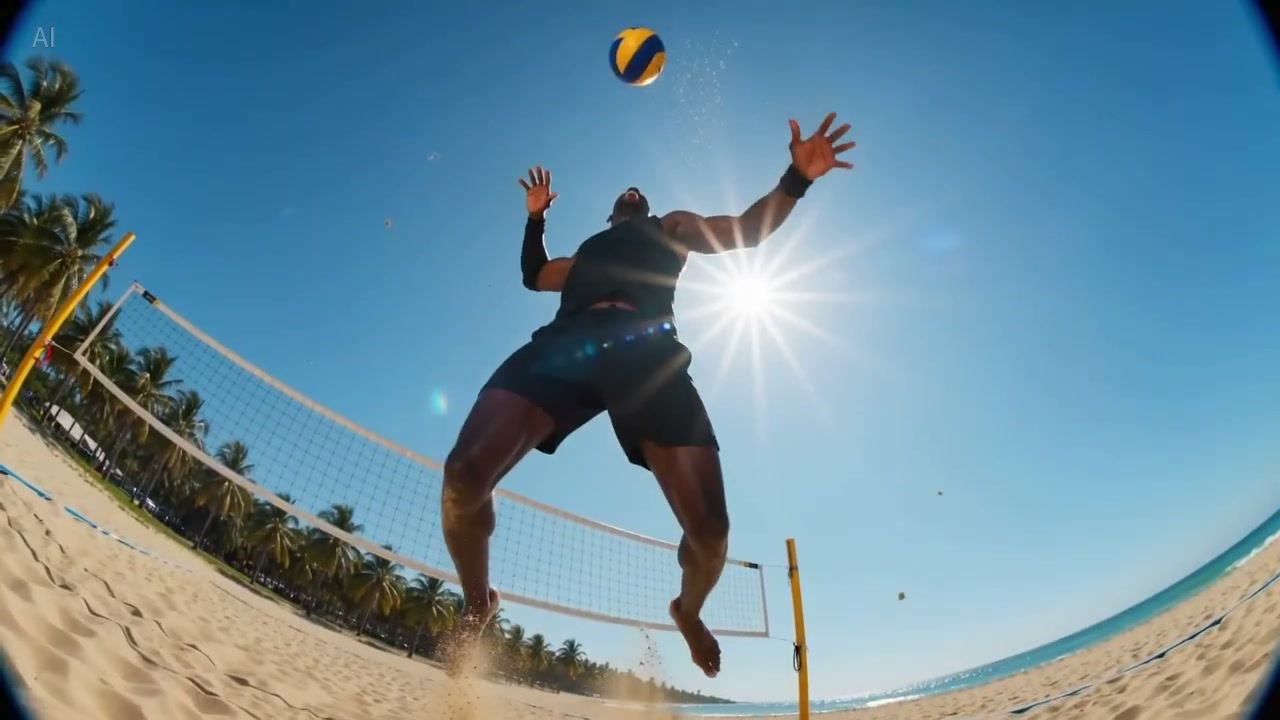
Grok Video Maker AI Video Generator
Turns your ideas into multi-shot movies in one click
Cinematic 2K quality · Auto Voice · Omni consistency
Trusted by 3 Million+ Creators Worldwide
See how professionals use Grok to produce video content at scale.











Creative Ways to Use Grok 2
Explore how Grok 2 empowers creators, marketers, and filmmakers with powerful AI video generation capabilities.

Short Dramas & Storytelling
Grok 2 is designed for cohesive storytelling—auto-filling narrative flow based on intent and keeping characters' emotions, expressions, and actions consistent across scenes. Create mini-dramas, web series pilots, and narrative content with professional cinematic quality.
Create Short Drama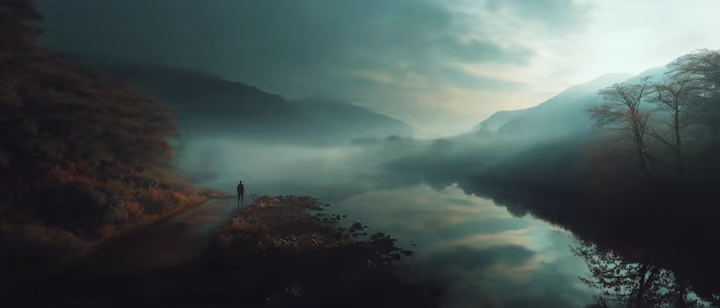
Ads, Product Demos & Brand Campaigns
Create punchy hero shots, product reveals, and lifestyle scenes with cinematic camera movements. Grok 2 delivers ad-ready footage with precise prompt following—ideal for social ads, landing page videos, and brand storytelling at scale.
Create Brand Video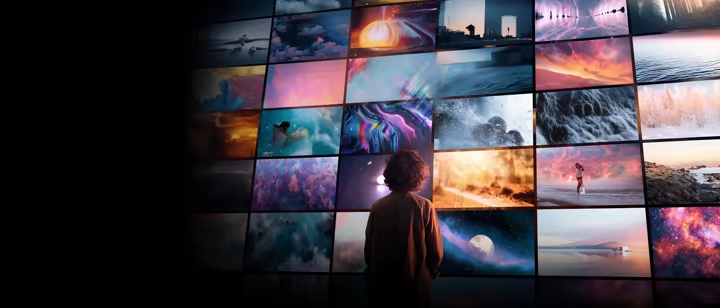
Music Videos & Visual Art
Transform your music into visual experiences with AI-generated footage that matches mood, rhythm, and atmosphere. From abstract motion graphics to cinematic sequences—Grok 2 brings audio-visual creativity to independent artists and studios alike.
Create Music Video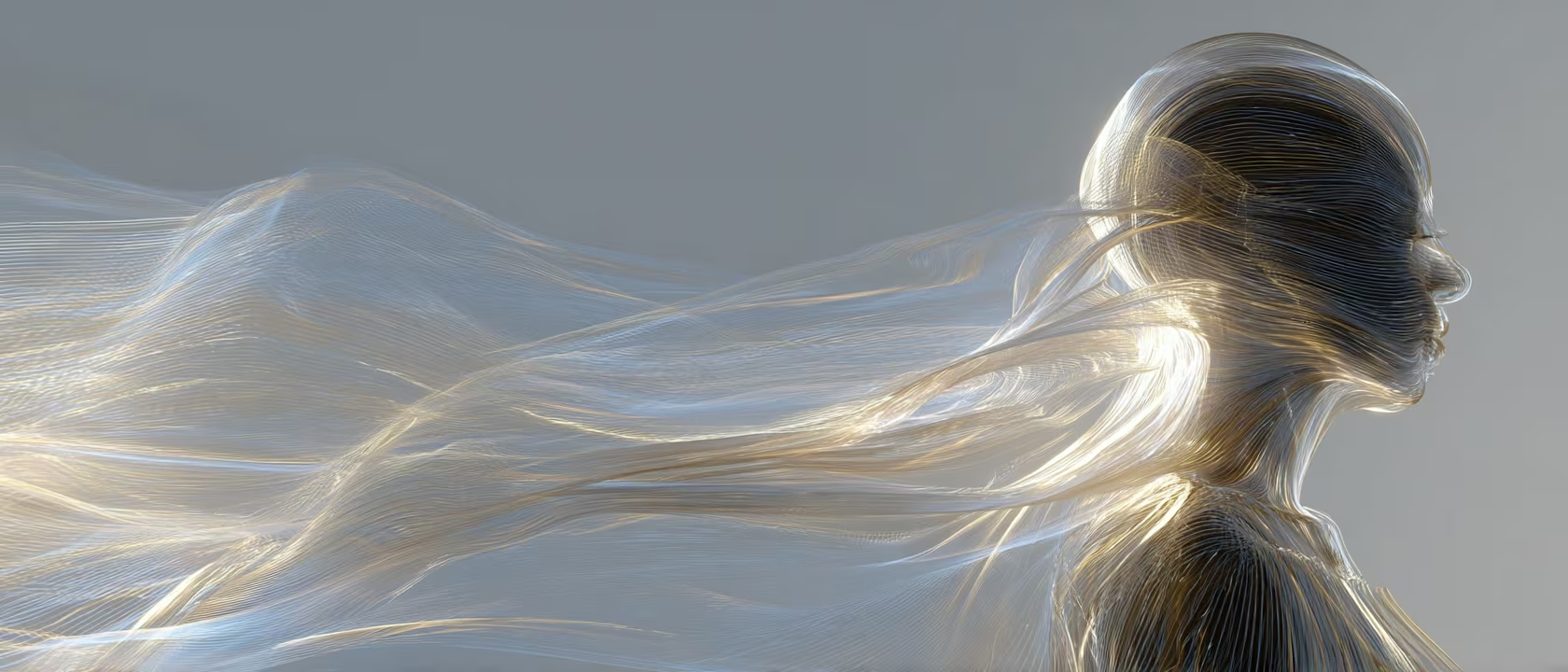
Education & Explainer Content
Turn complex ideas into engaging visual narratives. Grok 2 helps educators and trainers produce before/after demonstrations, step-by-step walkthroughs, and concept visualizations—no film crew required.
Create Explainer VideoDiscover Who Uses Grok AI Video Generator
Grok AI video powers multi-shot directing, reference-driven consistency, and frame control for real production use cases.
How to Use Grok AI Video Generator
Generate stunning Grok AI videos in three simple steps
Access Free Grok AI Video Generator
Visit the free Grok AI video generator and start creating immediately. Choose text-to-video, image-to-video, references, or first/last frame input based on your workflow.
- •Text-to-video
- •Image-to-video
- •Reference workflow
Enter Your Grok AI Video Prompt
Type a detailed description of the Grok video you want. Set duration, aspect ratio, and motion guidance, then hit generate.
- •Flexible settings
- •Multiple grok models
Generate and Download
Preview Grok AI video free result, download in high quality MP4, or refine with another round of Grok AI video generation.
- •Watermark-free download
- •Quick iteration
Why Creators Choose Grok 2 AI Video Generator
See what sets this AI video generator apart from ordinary tools. Built for professionals who demand quality, consistency, and creative control:
Native Audio Generation
Sound That Matches the Scene
Grok 2 generates synchronized audio natively with your video—no separate sound design step needed. Ambient textures, sound effects, and tonal cues are built directly into each clip.
Whether it’s rain on a rooftop, footsteps on gravel, or the hum of a city street, the AI interprets your scene and delivers audio that feels intentional and grounded.
Perfect for creators producing social content, ads, or short films who need polished audio without post-production overhead.
Film-Grade Cinematography
Director-Style Control
From close-ups capturing subtle expression to full shots with cinematic detail, composition, and atmosphere—built for director-style prompts.
Grok AI understands camera language: tracking shots, pans, push/pull movements, and lens effects. Describe the shot you want, and the AI delivers professional composition.
Ideal for filmmakers, advertisers, and content creators who need their videos to look like they were shot by a professional crew.
Multi-Shot Cohesion & Consistency
Unified Visual Storytelling
Build up to 6-shot sequences with consistent characters, environments, and style across every frame. Each shot maintains visual coherence as part of a unified narrative.
Upload reference images to lock character appearance, color palette, and scene style. The AI carries these constraints across your entire sequence without drift.
Essential for brand campaigns, episodic content, and any project where visual continuity across multiple shots is non-negotiable.
Precise Prompt Following
What You Describe Is What You Get
Grok 2 faithfully follows complex, multi-layered prompts—including spatial relationships, actions, and style directions—without ignoring details.
Specify exact camera angles, character positions, lighting conditions, and motion paths. The AI interprets your full creative brief, not just keywords.
Designed for professionals who need predictable, repeatable results from detailed creative specifications.
Grok AI vs Sora 2 and Grok AI vs Kling
The right choice depends on whether you want fast, reference-heavy Grok workflows or a different video generation stack.
When Grok AI is the better fit
Grok AI
Use Grok when you want one page that blends prompts, references, first-last frame control, and audio-aware generation.
Sora 2
Use Sora when your workflow is centered on the OpenAI ecosystem and cinematic generation preferences.
Kling
Use Kling when motion-focused generation and alternative video tooling matter more than the Grok-style workflow.
When to compare before choosing
Grok AI
Compare Grok when you need the main page to do more than plain text prompts.
Sora 2
Compare Sora if your use case leans toward a broader creative suite rather than one focused generator.
Kling
Compare Kling if you care more about a separate motion pipeline than the Grok reference flow.
Creators Share Their Experience
See how creators are transforming their workflow
“I use Grok Video Maker for my daily tech review channel. What used to take 6-8 hours of shooting and editing now takes about 2-3 hours. Now I can create B-roll footage from just product photos. My upload frequency went from 2-3 videos per week to 5-6.”
“Grok Video Maker helped me turn static outfit photos into dynamic video transitions - my engagement rate jumped from 3.2% to 5.8% in two months. For product showcases and aesthetic B-roll? Game changer. Saves me probably 10-15 hours a week.”
“We were spending $3-5k per video ad with agencies. Now our small team produces 12-15 video ads monthly for about $500 in credits. Our click-through rate improved 47% since we started testing more creative variations.”
“Used Grok Video Maker to create pre-viz sequences from my storyboard sketches for investor pitches. Secured funding from three investors who said the visuals helped them "see my vision." Now using it for VFX planning too.”
“I use Grok Video Maker for my daily tech review channel. What used to take 6-8 hours of shooting and editing now takes about 2-3 hours. Now I can create B-roll footage from just product photos. My upload frequency went from 2-3 videos per week to 5-6.”
“Grok Video Maker helped me turn static outfit photos into dynamic video transitions - my engagement rate jumped from 3.2% to 5.8% in two months. For product showcases and aesthetic B-roll? Game changer. Saves me probably 10-15 hours a week.”
“We were spending $3-5k per video ad with agencies. Now our small team produces 12-15 video ads monthly for about $500 in credits. Our click-through rate improved 47% since we started testing more creative variations.”
“Used Grok Video Maker to create pre-viz sequences from my storyboard sketches for investor pitches. Secured funding from three investors who said the visuals helped them "see my vision." Now using it for VFX planning too.”
“I use Grok Video Maker for my daily tech review channel. What used to take 6-8 hours of shooting and editing now takes about 2-3 hours. Now I can create B-roll footage from just product photos. My upload frequency went from 2-3 videos per week to 5-6.”
“Grok Video Maker helped me turn static outfit photos into dynamic video transitions - my engagement rate jumped from 3.2% to 5.8% in two months. For product showcases and aesthetic B-roll? Game changer. Saves me probably 10-15 hours a week.”
“We were spending $3-5k per video ad with agencies. Now our small team produces 12-15 video ads monthly for about $500 in credits. Our click-through rate improved 47% since we started testing more creative variations.”
“Used Grok Video Maker to create pre-viz sequences from my storyboard sketches for investor pitches. Secured funding from three investors who said the visuals helped them "see my vision." Now using it for VFX planning too.”
“Our 8-person indie studio uses Grok Video Maker for game trailer mockups and cutscene storyboarding. We went from outsourcing trailers ($5-8k each) to creating them in-house. Latest trailer took about 3 days vs 3 weeks previously.”
“Adding AI-generated video examples to my lessons increased course completion from 34% to 61%. Students especially love the step-by-step transformation videos I create from static design mockups.”
“Product video quotes were out of reach before. With Grok Video Maker, I produce my catalog clips for a fraction of the cost. Best ROI I have seen in years for marketing spend.”
“The platform lets me batch-create an entire month of video content in one session. Consistent style, synced audio, no burnout — exactly what a social team needs.”
“Our 8-person indie studio uses Grok Video Maker for game trailer mockups and cutscene storyboarding. We went from outsourcing trailers ($5-8k each) to creating them in-house. Latest trailer took about 3 days vs 3 weeks previously.”
“Adding AI-generated video examples to my lessons increased course completion from 34% to 61%. Students especially love the step-by-step transformation videos I create from static design mockups.”
“Product video quotes were out of reach before. With Grok Video Maker, I produce my catalog clips for a fraction of the cost. Best ROI I have seen in years for marketing spend.”
“The platform lets me batch-create an entire month of video content in one session. Consistent style, synced audio, no burnout — exactly what a social team needs.”
“Our 8-person indie studio uses Grok Video Maker for game trailer mockups and cutscene storyboarding. We went from outsourcing trailers ($5-8k each) to creating them in-house. Latest trailer took about 3 days vs 3 weeks previously.”
“Adding AI-generated video examples to my lessons increased course completion from 34% to 61%. Students especially love the step-by-step transformation videos I create from static design mockups.”
“Product video quotes were out of reach before. With Grok Video Maker, I produce my catalog clips for a fraction of the cost. Best ROI I have seen in years for marketing spend.”
“The platform lets me batch-create an entire month of video content in one session. Consistent style, synced audio, no burnout — exactly what a social team needs.”
Creators Love Grok 2
Join thousands of filmmakers and content creators using Grok AI video generator.
Choose the Right Plan for Your GrokVideo Journey
Start free, upgrade when you need more power
Basic
$119.40 billed annually
Save $119.40/year
- Up to about 60 videos/month
- Commercial Use LicenseYearly Only
- Priority Queue
- No Watermark
- 1080p HD Quality
- Private Generations
- Copy Protection
- Free Video UpscalerYearly Only
- Free Frame InterpolationYearly Only
- More Free AI ToolsYearly Only
- Batch Generation
Standard
$299.40 billed annually
Save $299.40/year
- Up to about 350 videos/month
- Commercial Use LicenseYearly Only
- Priority Queue
- No Watermark
- 1080p HD Quality
- Batch Generation
- Private Generations
- Copy Protection
- API Access
- Free Video UpscalerYearly Only
- Free Frame InterpolationYearly Only
- More Free AI ToolsYearly Only
- Custom Enterprise ServiceYearly Only
Premium
$594.00 billed annually
Save $594.00/year
- Up to about 2,000 videos/month
- Commercial Use License
- Priority Queue
- No Watermark
- 1080p HD Quality
- Batch Generation
- Private Generations
- Copy Protection
- API Access
- Free Video Upscaler
- Free Frame Interpolation
- More Free AI Tools
- Custom Enterprise Service
- Dedicated Support
For any inquiries or assistance, please contact us: support@grokvideomaker.com
10,000+
Active Users
1M+
Videos Created
4.9/5
User Rating
24/7
Support
Spring Sale: Save on Annual Plans 50%
Compare Plans
Feature comparison across all tiers
Stay Updated with Grok 2
Get the latest Grok AI video generator features, prompt templates, and exclusive offers.
More AI Tools to Enhance Your Grok AI Video
Free Grok AI video tools to prepare your assets and polish final results.
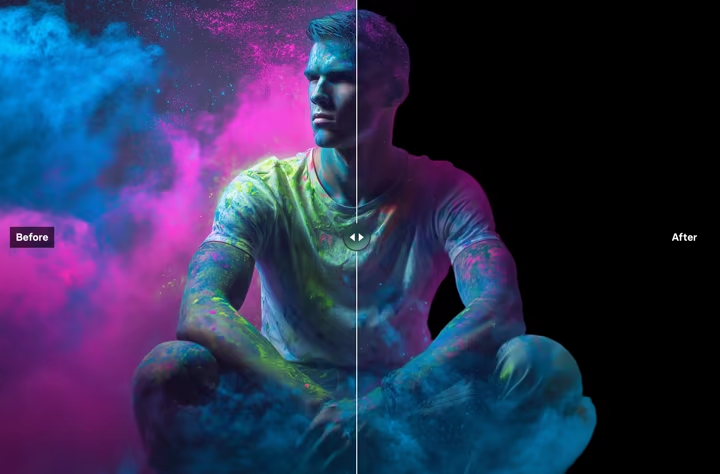
Remove Background
Instantly remove backgrounds from images with precision
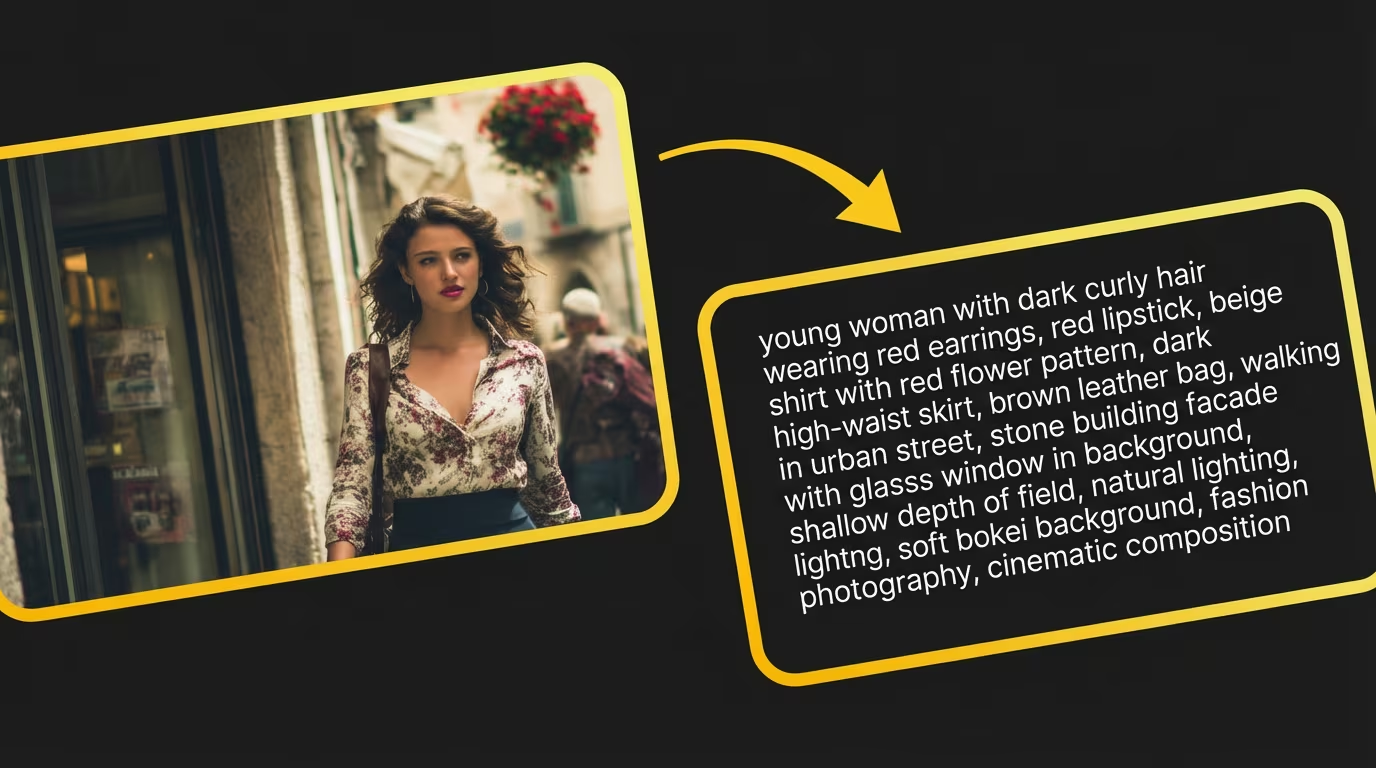
Image to Prompt
Generate detailed prompts from any image for recreation
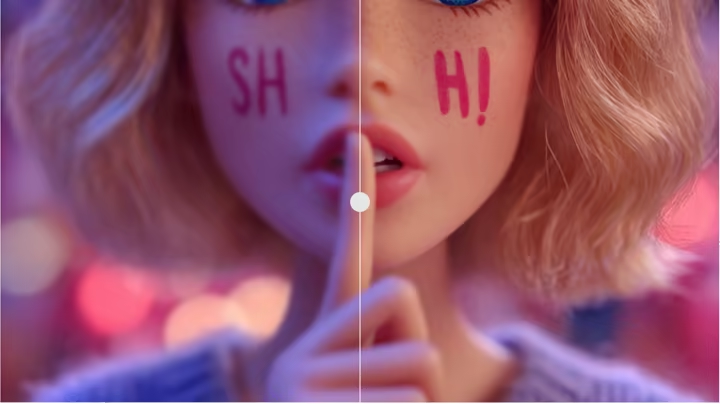
Photo Enhancer
Upscale and enhance photo quality for higher-quality input
常见问题
关于我们的 Next.js SaaS 模板以及它如何帮助您更快地构建更好应用程序的常见问题
当然可以!Nexty 专门设计为与 AI 助手无缝协作,即使是零编程经验的人也能通过 AI 辅助开发来开发产品。我们的代码结构和文档对 AI 友好,使 AI 更容易理解和修改代码。技术团队将从更高的开发效率中受益更多。
Nexty 是最全面的 Next.js SaaS 启动套件。与其他只提供基本组件的模板不同,我们包含完整的业务工作流程:身份验证、支付、AI 集成、内容管理和变现功能。一切都是生产就绪的,并在实际应用中经过实战测试。
您的第一个项目在学习模板功能时需要 3-5 天,但学习曲线很快就会有回报。掌握系统的客户现在只需 1-2 天就能启动完整的 SaaS 应用程序。模板处理所有复杂的基础设施,因此您可以专注于让产品独特的部分。
绝对适合!我们的模板包含全面的 AI SDK 集成,提供文本生成、图像创建和视频处理的工作示例。它兼容 OpenAI、Claude、Gemini、Grok、DeepSeek 和其他流行的 AI 模型。非常适合构建 AI 工具或内容生成平台。
模板包含完整的 Stripe 集成,支持一次性付款、订阅、基于使用量的计费和自动续订。您可以立即开始变现。
我们的内置 CMS 支持 Markdown 和富文本编辑、多语言内容、SEO 优化、付费墙保护和 AI 翻译。您可以通过具有基于角色的访问控制的直观管理后台管理文章、页面和高端内容。
是的!模板包含全面的 SEO 功能:自动元标签、结构化数据、XML 站点地图、OpenGraph 支持和性能优化。它采用 Next.js 最佳实践构建,提高搜索引擎可见性和更快的加载时间。
我们提供全面的文档、代码示例和邮件支持。我们还有一个公共 Discord 社区,您可以从其他开发者那里获得帮助并分享您的项目。
这是 Nexty 的一个关键卖点。您可以在后台管理定价卡片,包括添加、编辑和删除定价卡片,支持 AI 多语言翻译,消除复杂的多语言文件配置。
Can't find what you're looking for? Contact our support team
准备好体验 Grok 2 了吗?
加入 10 万+ 创作者,用 Grok 2 打造惊艳的 4K 作品
无需信用卡 • 免费开始 • 随时取消