
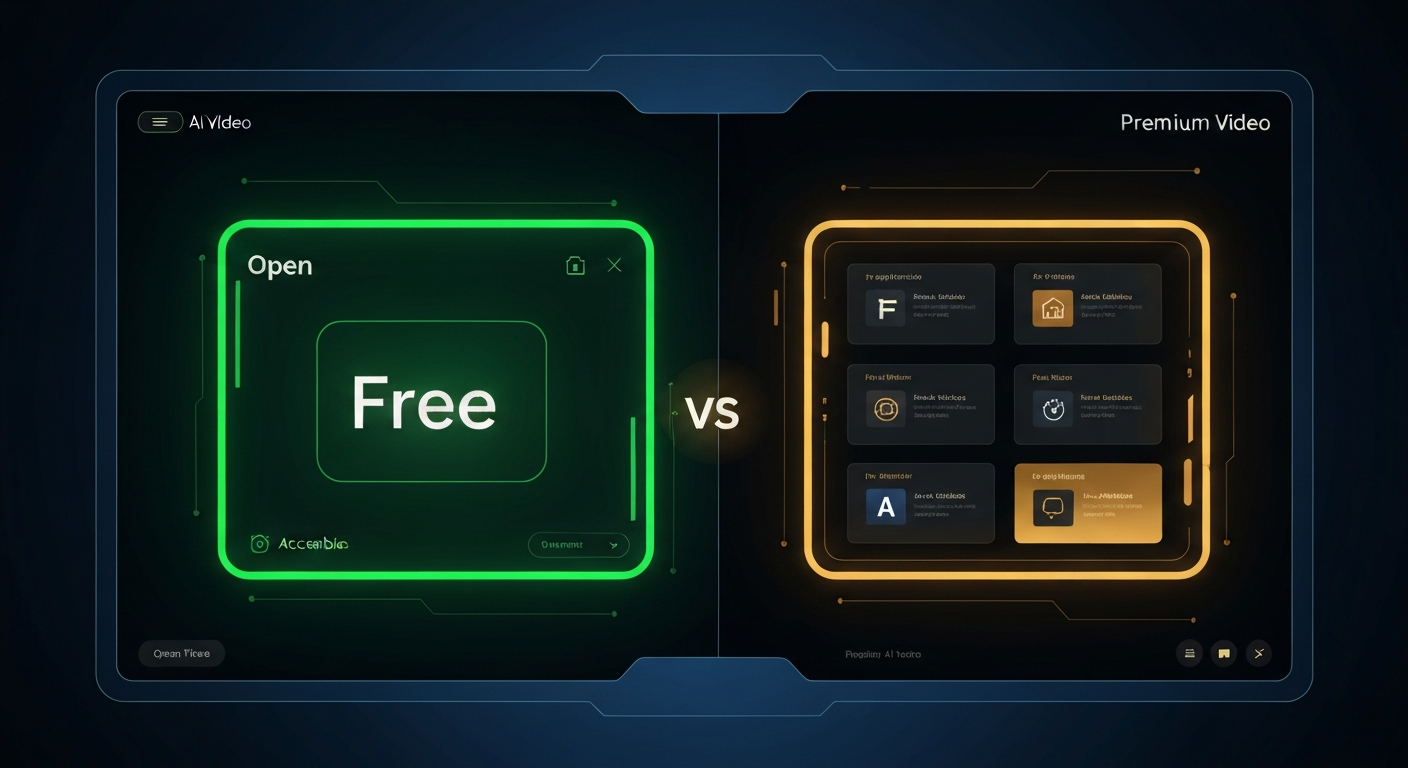
Grok AI Video Generation: Free vs Paid in April 2026
The question I keep seeing in comments and forums: is Grok AI video generation actually free, or is that just marketing?
Short answer: it's genuinely free. Long answer: here's exactly what that means in April 2026, what changed recently, and when paying makes sense.
What You Get for Free#
Grok Video Maker runs on xAI's Aurora model — the same engine powering video inside the Grok assistant. Free access includes:
Text-to-video — type a prompt, get a video
Image-to-video — upload a still, animate it
Audio-to-video — add sound context to your generation
HD output — no watermarks, no resolution cap
No account required — open the page and generate
Free users run on a daily credit system. Each day your quota resets. Standard-quality generations cost fewer credits; high-motion or complex scenes cost more.
What Changed in April 2026#
A few things worth knowing if you've been using Grok video tools for a while:
New users now start with 200 free credits (up from 150). That's enough for 3–4 standard videos per day without paying anything.
Standard mode is cheaper. xAI restructured the credit costs so casual users hit the limit less often. Most 5-second clips in standard mode cost around 50 credits.
Feature parity between free and paid remained intact. Paid plans don't unlock better quality — they just give you more volume.
Free vs Paid: Side by Side#
| Feature | Free | Paid |
| Text-to-video | ✅ | ✅ |
| Image-to-video | ✅ | ✅ |
| HD output | ✅ | ✅ |
| No watermark | ✅ | ✅ |
| Daily credits | 200 (resets daily) | More credits |
| Generation speed | Standard queue | Priority queue |
| Concurrent generations | 1 | Multiple |
When Paying Makes Sense#
Free is enough if you're generating 2–4 videos per day for personal projects, social content, or experimentation.
Paid makes sense if:
You're producing videos professionally and need consistent daily output above 4–5 clips
You want priority queue (faster turnaround during peak hours)
You need to run multiple generations simultaneously
For most people reading this: free is fine. The daily reset means you can generate fresh content every day without spending anything.
How to Maximize Your Free Quota#
A few patterns that stretch credits further:
Use standard mode for drafts. Run your concept at lower credit cost first. Only switch to full quality once you've nailed the prompt.
Shorter clips, more iterations. A 3-second clip costs significantly less than a 6-second one. Test ideas short, then extend the winner.
Front-load your generations. Queue your videos early in the day. If the system is busy in the evening, your quota is already used on content you chose — not waiting.
Bottom Line#
Grok AI video generation in April 2026 is genuinely free for regular use. The 200-credit daily allotment covers most use cases, the output quality is the same as paid, and you don't need an account to start.
If you haven't tried it yet, generate your first video here — no signup, no credit card.